

极速浏览器自动化
Rust驱动的高性能
AutoFillIn 是一款基于 Playwright 的浏览器自动化技能,可自动访问网页表单、填充文本字段、选择下拉选项,并将文件或文件夹上传到指定位置。支持登录状态持久化保存,提交前等待人工确认。
安装步骤:
npx playwright install chromiumnpx playwright open --save-storage=~/.playwright-auth.json "https://your-target-site.com"npx playwright open --load-storage=~/.playwright-auth.json "https://your-target-site.com"MCP 配置:在 Claude Code、OpenCode 等工具中添加以下服务器配置:
{"mcpServers":{"playwright":{"command":"npx","args":["-y","@anthropic-ai/mcp-server-playwright"]},"filesystem":{"command":"npx","args":["-y","@modelcontextprotocol/server-filesystem","/"]}}}
触发命令:autofillin
基本用法示例:
autofillin https://example.com/form
- Fill "Name" field with "John Doe"
- Fill "Email" field with "john@example.com"
- Upload resume.pdf to file input
多文件上传示例:
autofillin https://example.com/document-upload
Files to upload:
- Position 1 (ID Document): ~/documents/id_card.pdf
- Position 2 (Proof of Address): ~/documents/utility_bill.pdf
[WAIT FOR MANUAL CONFIRMATION]
见下方输入与输出表格。
| 项目 | 内容 |
|---|---|
| 输入 | 目标网页 URL;表单字段数据(键值对);待上传文件路径;文件夹路径(可选);会话存储文件路径(可选) |
| 输出 | 表单填充完成确认;文件上传状态报告;页面可访问性快照;错误恢复提示 |
| 适用人群 | 需要批量填写网页表单的用户;频繁上传文件到固定平台的运营人员;使用 MoltHub 等平台发布技能的开发者;需要保持登录状态进行重复操作的场景 |
| 不包含 | 验证码自动识别与破解;无需人工确认的完全自动提交;非 Chromium 内核浏览器支持;移动端 App 自动化 |
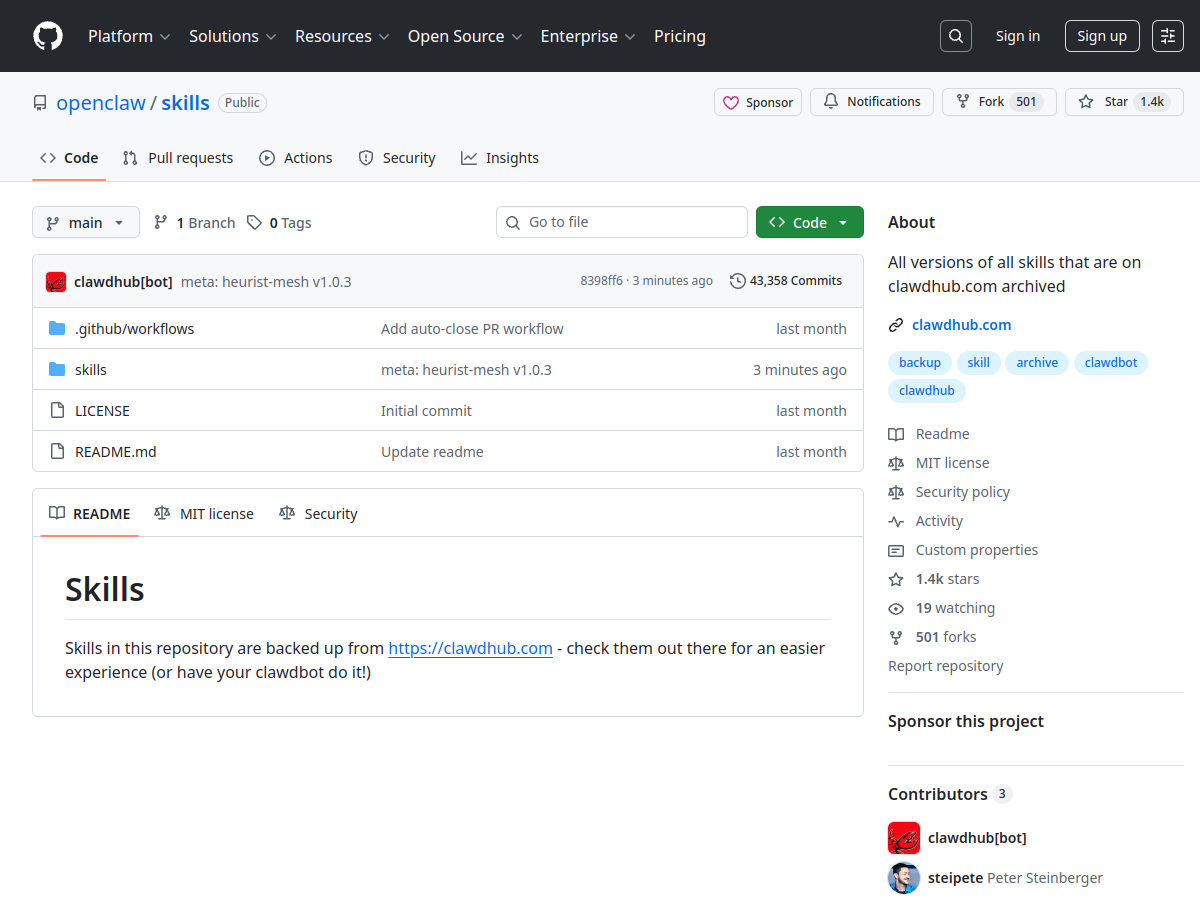
~/.playwright-auth.json 不被泄露原始链接:https://github.com/openclaw/skills/tree/main/skills/leohan123123/autofillin/SKILL.md
来源类型:GitHub 开源项目
