

Overleaf CLI集成
命令行管理Overl
该技能通过gh命令行工具与GitHub平台交互,支持Issue管理、Pull Request操作、工作流运行监控及高级API查询。
安装要求
需先安装GitHub CLI工具:
# macOS
brew install gh

# Windows
winget install --id GitHub.cli

# Linux
curl -fsSL https://cli.github.com/packages/githubcli-archive-keyring.gpg | sudo dd of=/usr/share/keyrings/githubcli-archive-keyring.gpg
sudo apt update && sudo apt install gh
基本用法
非git目录下操作时,必须指定--repo owner/repo参数,或直接使用URL。
检查PR的CI状态:
gh pr checks 55 --repo owner/repo列出最近10条工作流运行:
gh run list --repo owner/repo --limit 10查看运行详情及失败步骤:
gh run view <run-id> --repo owner/repo仅查看失败步骤日志:
gh run view <run-id> --repo owner/repo --log-failed使用API获取特定字段:
gh api repos/owner/repo/pulls/55 --jq '.title, .state, .user.login'结构化JSON输出与过滤:
gh issue list --repo owner/repo --json number,title --jq '.[] | "\(.number): \(.title)"'见下方输入与输出表格。
| 项目 | 内容 |
|---|---|
| 输入 | GitHub仓库地址(owner/repo格式)、PR编号或运行ID、API端点路径、JQ过滤表达式 |
| 输出 | CI检查结果、工作流运行列表、步骤日志、API响应数据、格式化后的Issue/PR信息 |
| 适用人群 | 软件开发人员、DevOps工程师、开源项目维护者、CI/CD管理员 |
| 不包含 | 图形界面操作、仓库创建与删除、组织级管理功能、Git基础操作(需配合git命令) |
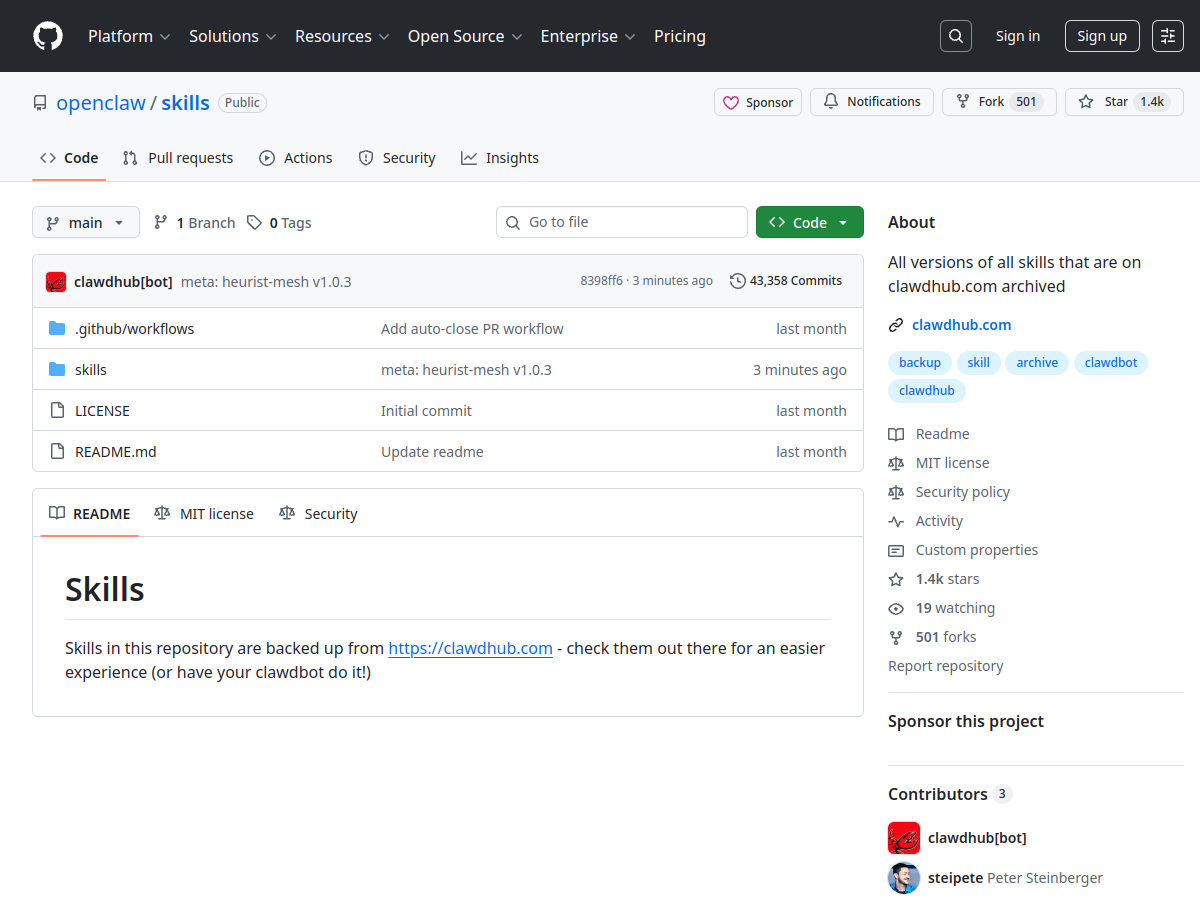
gh auth login)原始链接:https://github.com/openclaw/skills/tree/main/skills/steipete/github/SKILL.md
来源类型:开源社区技能库
