

ForkZoo数字宠物
GitHub原生AI
本技能使用 git-crypt 对 Clawdbot 的工作目录(~/clawd)和配置目录(~/.clawdbot)进行加密,并备份到 GitHub 私有仓库。敏感文件在推送前自动加密,拉取后通过密钥解密,兼顾版本控制与数据安全。
针对Clawdbot用户的核心痛点——工作区包含SOUL.md等敏感文档却需跨设备同步,本方案通过git-crypt实现"透明加密+Git版本控制"的双重保障。业务价值在于:日常开发中敏感文件自动加密上传,换机或团队协作时凭密钥一键还原完整环境,既避免明文泄露风险,又保留Git的历史追溯能力,让安全与效率不再对立。
落地案例:某开发者每日使用Clawdbot处理含身份凭证的MEMORY.md文档。配置本技能后,其~/clawd目录下的敏感文件在推送到私有仓库前自动加密,拉取到新笔记本后用预存密钥解密即可恢复工作环境。若原设备故障,仅需在新机器安装git-crypt、导入备份密钥,即可从GitHub仓库完整还原工作区与配置,无需手动重建复杂环境。
1. 安装 git-crypt
# macOS
brew install git-crypt
# Linux
apt install git-crypt
2. 创建 GitHub 私有仓库
在 GitHub 新建两个私有仓库:<username>/clawdbot-workspace 和 <username>/clawdbot-config
3. 初始化加密仓库
cd ~/clawd
git init
git-crypt init
git remote add origin git@github.com:<username>/clawdbot-workspace.git

cd ~/.clawdbot
git init
git-crypt init
git remote add origin git@github.com:<username>/clawdbot-config.git
4. 配置加密规则
在工作区仓库创建 .gitattributes:
SOUL.md filter=git-crypt diff=git-crypt
USER.md filter=git-crypt diff=git-crypt
HEARTBEAT.md filter=git-crypt diff=git-crypt
MEMORY.md filter=git-crypt diff=git-crypt
memory/** filter=git-crypt diff=git-crypt
在配置仓库创建 .gitattributes:
clawdbot.json filter=git-crypt diff=git-crypt
.env filter=git-crypt diff=git-crypt
credentials/** filter=git-crypt diff=git-crypt
telegram/** filter=git-crypt diff=git-crypt
identity/** filter=git-crypt diff=git-crypt
agents/**/sessions/** filter=git-crypt diff=git-crypt
nodes/** filter=git-crypt diff=git-crypt
5. 导出并保管密钥
mkdir -p ~/clawdbot-keys
cd ~/clawd && git-crypt export-key ~/clawdbot-keys/workspace.key
cd ~/.clawdbot && git-crypt export-key ~/clawdbot-keys/config.key
将密钥存入密码管理器或离线介质,丢失将导致数据无法解密。
6. 首次提交与日常备份
cd ~/clawd && git add -A && git commit -m "Initial backup" && git push -u origin main
cd ~/.clawdbot && git add -A && git commit -m "Initial backup" && git push -u origin main

# 日常执行
~/clawd/skills/git-crypt-backup/scripts/backup.sh
7. 新机器恢复
git clone git@github.com:<username>/clawdbot-workspace.git ~/clawd
git clone git@github.com:<username>/clawdbot-config.git ~/.clawdbot
cd ~/clawd && git-crypt unlock /path/to/workspace.key
cd ~/.clawdbot && git-crypt unlock /path/to/config.key见下方输入与输出表格。
| 项目 | 内容 |
|---|---|
| 输入 | 本地Clawdbot工作区目录(~/clawd)、配置目录(~/.clawdbot)、GitHub SSH凭证、git-crypt加密密钥 |
| 输出 | 两个GitHub私有仓库(分别存储工作区和配置)、本地导出的解密密钥文件 |
| 适用人群 | 多设备使用Clawdbot的开发者、需要加密保护敏感配置的用户、希望自动化备份的技术人员 |
| 不包含 | 密钥托管服务、可视化操作界面、备份历史对比工具、非Git的备份机制 |
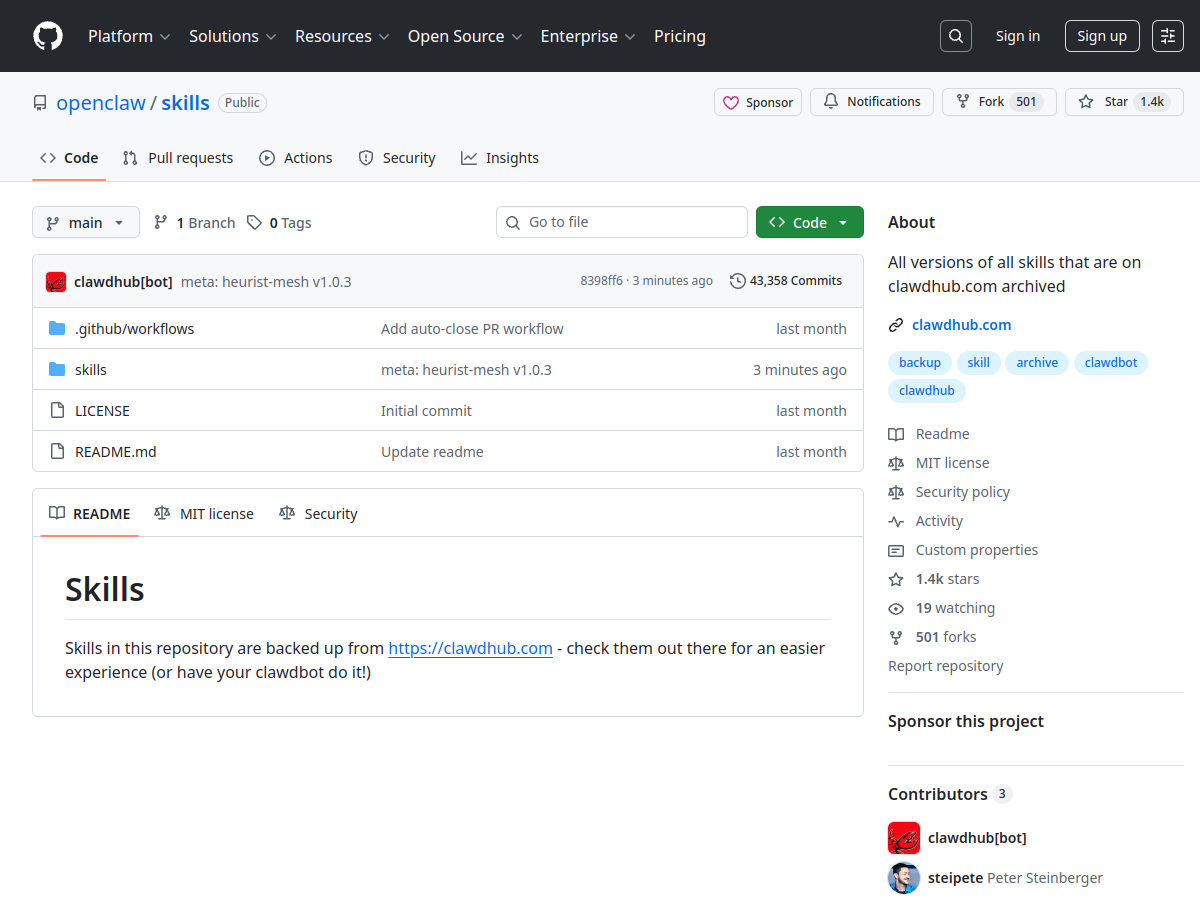
原始链接:https://github.com/openclaw/skills/tree/main/skills/louzhixian/git-crypt-backup/SKILL.md
来源类型:开源技能仓库
